Key Takeaways
-
Digital models are 3D records of your teeth and arches that let your orthodontist check alignment, crowding, spacing, and bite, and compare your smile across visits.
-
Crowding means your teeth need more space than your arch has; spacing means the arch has extra room. Digital models reveal which one you have, or a mix of both.
-
Overjet (how far upper front teeth stick out) and overbite (how much upper teeth cover lower ones) are measured from the model and guide your treatment plan.
-
Comparing scans taken at different visits shows how much teeth have moved, making progress easy to track and helping spot relapse after braces.
-
Digital models show tooth surfaces and arrangement but not roots, bone levels, or gum health, so a scan alone is not a full diagnosis.
-
A virtual setup previewing likely results is a helpful guide, not a guarantee, since bone, gum tissue, growth, and habits affect how teeth respond.
Ever peeked at a 3D image of your own teeth on a screen and wondered what you were looking at? You’re not alone. Most of us have never seen our smile from every angle, including from behind and below. That’s exactly what a digital model lets your orthodontist do, and with a little guidance, you can start to understand it too.
Digital orthodontic models are 3D records of your teeth and dental arches. They help your care team check alignment, spacing, crowding, and how your upper and lower teeth meet. They also make it easy to compare your smile from one visit to the next.
In this friendly guide, you’ll learn how to read what digital models show about tooth alignment, what they can’t show, and how to get the most from your next appointment. Whether you’re a parent helping a child, a teen eager for a new smile, or an adult thinking about retreatment, this is for you.
What Is a Digital Model of Your Teeth?
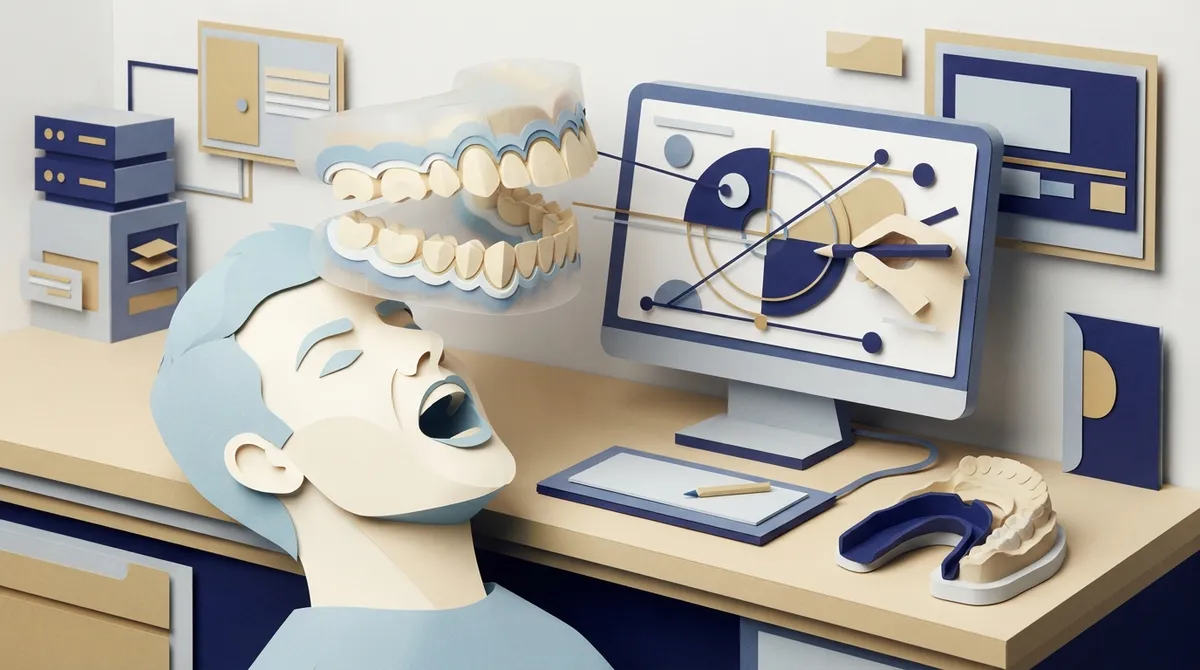
A digital model is a three-dimensional picture of your teeth and the arches that hold them. It is usually made from an intraoral scan, which is a small handheld wand that glides over your teeth. Some models are made by digitizing a traditional impression instead.
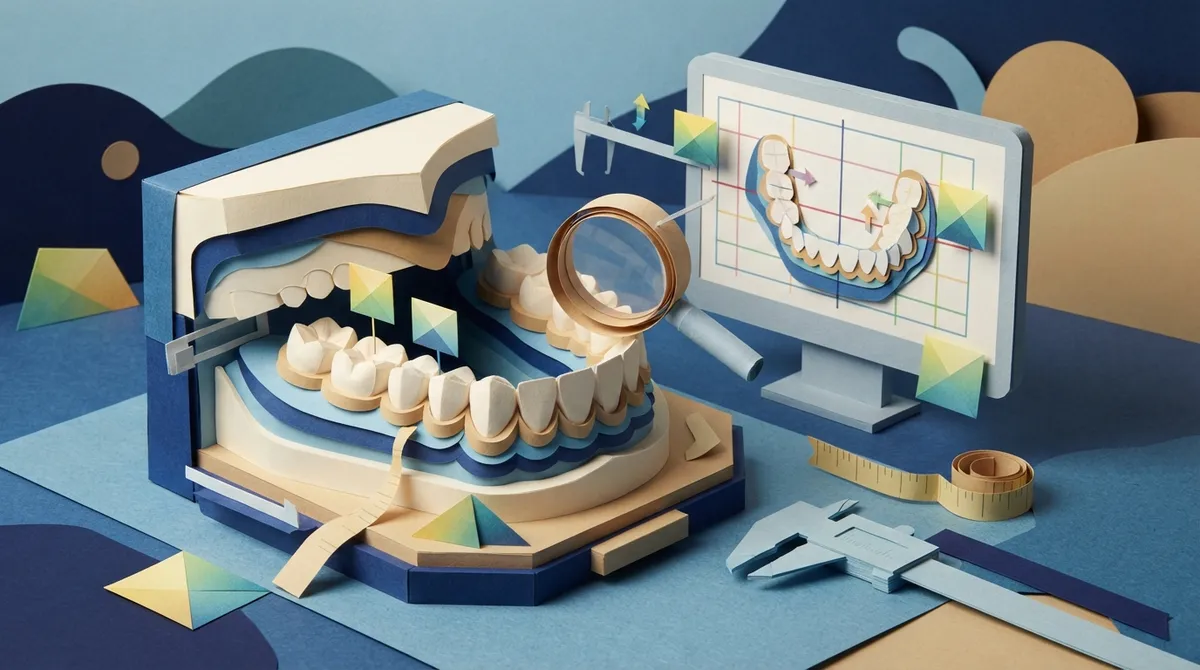
Once the scan is done, your orthodontist can rotate, zoom, and slice the image on a screen. They can look at each tooth from the front, the back, the top, and the side. They can also see how the upper and lower arches fit together.
Why scans feel better than old-school molds
Many patients love that scanning skips the goopy trays. There is no gagging and no waiting for material to set. At Brockway Orthodontics, we use digital impressions and 3D imaging to plan care with more precision and a lot more comfort.
How to Read What Digital Models Show About Tooth Alignment
Here is a simple way to look at your own model. Think of it as a checklist your orthodontist walks through. When you understand each step, the screen starts to make sense.
- Look at the arch shape. Is the curve of the teeth smooth, narrow, or uneven?
- Check tooth position. Are any teeth twisted, tipped, or pushed out of line?
- Compare space and size. Is there enough room for every tooth, or is it tight?
- Check the bite. Look at how the top and bottom teeth meet.
- Compare over time. Overlay new scans on older ones to see movement.
Let’s walk through each one in more detail.
Step 1: Look at Your Arch Form
The arch is the curved row of teeth in your upper or lower jaw. A digital model lets your orthodontist see its shape clearly. Some arches are wide and rounded. Others are narrow or squared off.
Arch shape matters because it affects how much room your teeth have. A narrow arch can lead to crowding. A very wide arch might leave gaps. Digital tools can measure arch length and arch width, which gives your orthodontist useful numbers to work with.
Step 2: Spot Crowding and Spacing
This is the one most people want to see first. A digital model can show whether your teeth are crowded, spaced, or a mix of both.
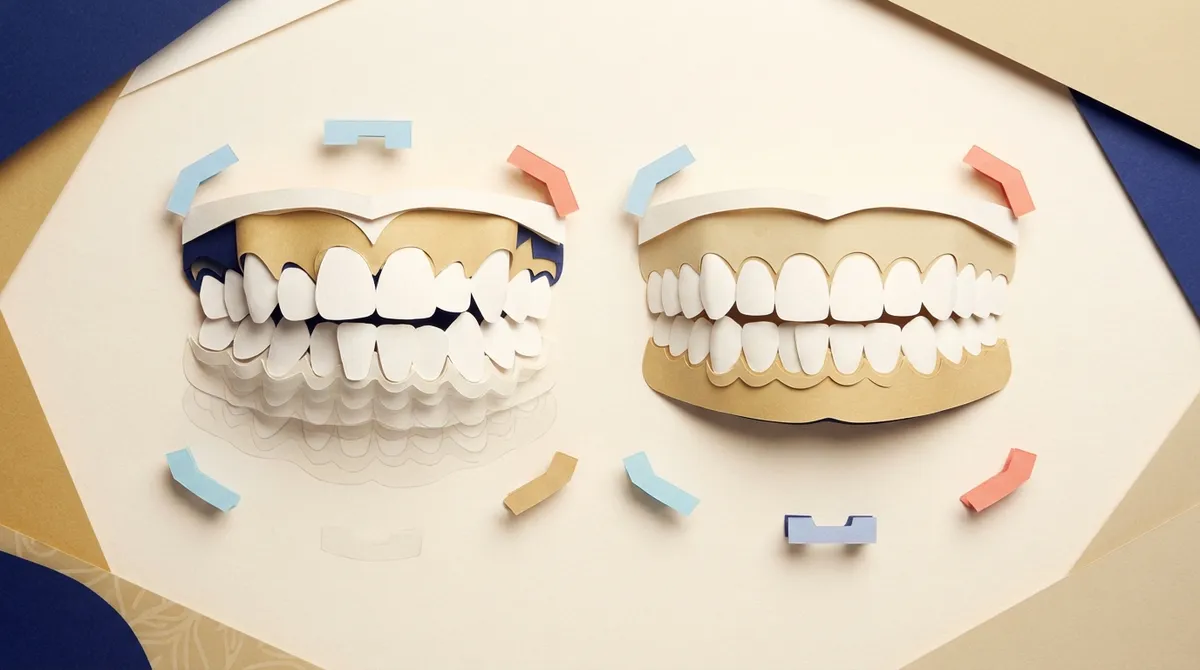
Here is how it works. Your orthodontist compares the space available in your arch with the space your teeth need. If the teeth need more room than the arch has, you have crowding. If the arch has more room than the teeth need, you have spacing.
| What the Model Shows | What It Usually Means | Common Look |
|---|---|---|
| Teeth need more space than available | Crowding | Overlapping or twisted teeth |
| Arch has extra space | Spacing | Visible gaps between teeth |
| Uneven mix of both | Mixed alignment issues | Crowding in one area, gaps in another |
If you are curious about the causes, our guide on what causes crowded teeth breaks it down in plain language.
Step 3: Check Individual Tooth Position
Digital models let your orthodontist look at each tooth on its own. They can see if a tooth is rotated, tilted, or sitting too far forward or back. They can also see if a tooth is higher or lower than its neighbors.
This is where 3D really shines. A flat photo can hide a twisted tooth. A 3D model lets you spin it around and see the problem from every side.
Common alignment findings
- Rotation: A tooth is turned so its side faces forward.
- Tipping: A tooth leans toward or away from its neighbors.
- Displacement: A tooth sits out of the normal curve of the arch.
- Midline shift: The center of the upper and lower teeth do not line up.
Step 4: Understand Your Bite
Alignment is not just about how straight teeth look. It is also about how your upper and lower teeth meet. A digital model can show this relationship clearly.
Your orthodontist can measure overjet, which is how far the upper front teeth stick out past the lower ones. They can also measure overbite, which is how much the upper teeth cover the lower ones. These numbers help guide your treatment plan.
If you want to know more about common bite concerns, these friendly guides can help:
Step 5: Compare Models Over Time
Here is a fun part. Digital models are not just a one-time snapshot. Your orthodontist can scan your teeth again at later visits and compare the new model with the old one.
This lets them see how much your teeth have moved and whether treatment is on track. It is a bit like a before-and-after photo, but with measurements. Parents of kids in treatment often find this reassuring, because progress becomes easy to see.
Why this helps with retainers and relapse
If you’ve had braces before and your teeth have shifted, a new scan can be compared with earlier records. That helps your orthodontist understand what changed. It is also useful for making well-fitting retainers to protect your results.
How Accurate Are Digital Models?
Good news here. A 2016 systematic review of 35 studies found that digital study models were generally as accurate, reliable, and reproducible as plaster models for orthodontic measurements. That is a strong sign that digital tools can be trusted for everyday orthodontic work.
Still, accuracy is not automatic. The review pointed out that choosing the exact measuring points, called landmarks, can be a source of error. In other words, the skill of the person reading the model matters.
Research on intraoral scanners is a bit more mixed. A 2023 systematic review reported satisfactory-to-excellent reproducibility and generally better patient comfort. It also found that comparisons with conventional impressions were not always consistent. Results can vary with the scanner, the software, the scanning technique, and the operator’s experience.
| Factor | How It Can Affect the Model |
|---|---|
| Scanner and software | Different systems can give slightly different results |
| Scanning technique | Smooth, steady scanning helps capture detail |
| Operator experience | Skilled hands reduce errors |
| Conditions in the mouth | Saliva, moisture, and tight spaces can make scanning harder |
| Case complexity | Full-arch scans and complex cases can be trickier |
What Digital Models Can’t Show You
Let’s be honest about the limits. A digital model is a powerful tool, but it is not the whole story.
A model shows the surfaces of your teeth and how they are arranged. It does not show your tooth roots, your bone levels, or all of the supporting tissues around your teeth. Those questions may need a clinical exam and, when justified, other diagnostic records or imaging.
So a scan alone is not a full diagnosis. Your orthodontist puts the model together with your exam, your health history, and your goals. That’s how a safe and complete plan is made. To learn what happens during a full evaluation, visit what to expect during your orthodontic exam.
Is a virtual setup a promise?
Many orthodontists use digital models to build a virtual setup, which is a planned picture of where the teeth could end up. It is a helpful guide, but it is not a guarantee. A geometric model cannot fully capture how your body responds to tooth movement.
Biology is individual. Bone, gum tissue, growth, and daily habits all play a part. That is why your orthodontist watches your progress and adjusts the plan as needed.
How Digital Models Help Plan Your Treatment
Once your orthodontist understands your alignment, the model becomes a planning tool. It can help with measuring tooth widths, checking arch size, and spotting a size mismatch between upper and lower teeth, known as a Bolton discrepancy.
It also supports the design of appliances and clear aligners. If you choose Spark™ Clear Aligners, your scan helps shape the series of trays that gently guide your teeth. For many adults and teens, this is a discreet and more affordable alternative to some other clear aligner brands.
Prefer braces? Digital planning helps there too. You can explore all about braces to see metal and ceramic options. If you’re weighing your choices, clear aligners vs. braces is a great place to start.
Tips for Getting the Most From Your Digital Scan Visit
You can help your scan go smoothly and your visit be more useful. A few simple habits make a real difference.
- Brush before you come. A clean mouth helps the scanner capture clear detail.
- Ask to see your model. Good orthodontists love showing patients their 3D images.
- Share your goals. Tell us what bugs you most about your smile.
- Bring past records. Old scans, photos, or retainers can add helpful context.
- Ask about limits. Find out what the scan shows and what other records may be needed.
If it’s your first time, our first visit guide walks you through what to expect, step by step.
Who Benefits Most From Digital Models?
Honestly, almost everyone. Parents of kids and teens like seeing progress in clear pictures. Teens love a modern, comfortable experience. Busy adult professionals appreciate the efficiency and the discreet options.
Patients with relapse can see exactly how their teeth have shifted. Health-conscious patients, including those with gum concerns or more complex needs, benefit from careful, customized planning. Dr. Brockway takes the time to listen, explain, and make sure you feel comfortable with every step. You can learn more on the Meet Dr. Brockway page.
We also welcome the whole family, from early treatment for younger kids to adolescent and adult treatment.
Ready to See Your Smile in 3D?
Understanding what digital models show about tooth alignment puts you in the driver’s seat. You can see where your teeth sit, how they fit together, and how they change over time. You also know the limits, which keeps expectations healthy and realistic.
Brockway Orthodontics is proud to be a trusted orthodontic home for families in Clearwater, Florida. We pair modern technology with warm, personal care, so you always know what’s happening and why. You can also see what patients say when you visit us on Google — Brockway Orthodontics.
Curious what your own smile looks like in 3D? Book your free consultation online and we’ll walk you through your scan together. Have questions first? Feel free to contact us, and we’ll be happy to help. For general oral health guidance, the American Dental Association is another helpful resource, and you can find professional information through the Florida Association of Orthodontists. We can’t wait to meet you!
FAQs
Q: What can an orthodontist see on a digital dental model?
A: A digital model shows the shape of your dental arches, the position of each tooth, and how your upper and lower teeth meet. Your orthodontist can spin it, zoom in, and measure things like crowding, spacing, overjet, and overbite. It’s like getting a full 360-degree tour of your smile!
Q: Can a digital model show whether my teeth are moving during treatment?
A: Yes! By comparing scans taken at different visits, your orthodontist can see and measure changes in tooth position. It makes progress easy to spot, which many patients and parents find really encouraging.
Q: Do digital models show tooth roots, bone, or gum health?
A: Not on their own. A scan captures tooth surfaces and how they are arranged, but not roots or bone levels. Those questions may call for a clinical exam and, when needed, other diagnostic records or imaging.
Q: Can a digital model predict exactly how my teeth will look after treatment?
A: A digital model helps plan and preview a likely outcome, but it’s a guide rather than a guarantee. Everyone’s body responds a little differently, so your orthodontist watches your progress and adjusts the plan along the way.
Q: Are digital models as accurate as plaster casts?
A: Research suggests they are generally comparable for many orthodontic measurements. A 2016 review of 35 studies found digital models to be about as accurate and reliable as plaster ones. Accuracy still depends on the scanner, the technique, and the skill of the person reading the model.
Our Service Area